Free download
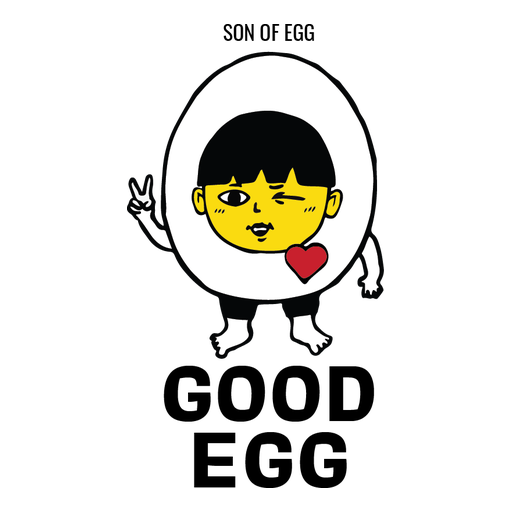
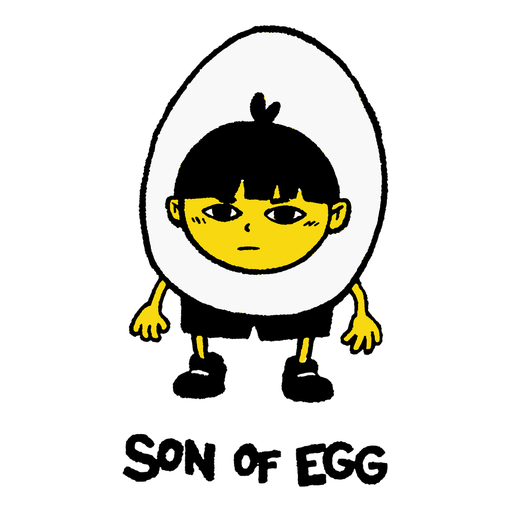
Twenty stickers of Jegg, our egg, for texts, group chats and stories. Save one at a time below, or grab the whole pack.
Free for personal use. Please don't sell them or put them on products. Jegg is Son of Egg's.

The pack
On a phone, hold your finger on a sticker and choose Save to Photos (or Download image). On a computer, click to download the PNG.
How to use them
Save a sticker to Photos. Open it in Photos, hold your finger on Jegg until he lifts off the background, then tap Add Sticker. He now lives in your sticker drawer in Messages.
Needs iOS 17 or later.
Save a sticker to Photos. In any chat open the sticker tray, tap the plus or Create, and pick the saved Jegg. WhatsApp cuts him out for you.
A ready-made WhatsApp pack is coming.
A one-tap Telegram pack is coming. Until then, send any saved sticker as a file and Telegram shows it as a sticker.
Save a sticker to Photos, then add it to a story or video with the photo sticker tool. The background is transparent, so only Jegg shows.
Hold your finger on a sticker above and choose Download image. Most keyboards and messaging apps let you send a saved image as a sticker from the gallery.
Download the zip for all 20 as PNG (transparent), WebP for WhatsApp pack makers, and GIF for GIPHY-style sticker tools.
Terms, plain and short: free for personal use. Text them, post them, print them for your laptop. Please don't sell them, put them on products, or use them to look like Son of Egg. Jegg is Son of Egg's.
 Son of Egg